 App Building
How to write AI prompts for app building
Ready to see what Base44 can do for you? Get started →
Writing the right AI prompts is all about giving clear directions to your AI tool so they can help you design features, create layouts or even generate code snippets using your preferred AI app builder.
This guide will show you exactly how to write AI prompts that work specifically for app development. From designing user interfaces to generating feature ideas and debugging code, you'll discover practical tips and real examples that'll get you building faster.
83% of companies saying that AI is a top priority in their business plans as of 2025, learning to write better prompts isn't just helpful, it's essential for staying ahead of the curve.
Base44's AI turns your plain-language prompts into fully functional, deployable apps, so you don't have to write a single line of code.
Learn now: how to build an app with AI.
TL;DR: how to write AI prompts
Mastering how to write AI prompts is the key to building apps that are both functional and user-friendly. This guide acts as your step-by-step prompt guide, showing you how to turn clear instructions into working code, layouts and features with the help of an AI app builder like Base44.
- Learn the four core elements of effective prompts: persona, task, context and format
- Follow step-by-step methods to create prompts for UI/UX, backend and feature planning
- See real-world examples of prompts that generate usable designs and code
- Avoid common mistakes like vague instructions or overloaded requests
- Build your own prompt library to refine and speed up future development
Discover more:
AI prompt writing essentials at a glance
| AI prompt element | Why It matters in AI app development | |---|---| | Persona | Guides the AI’s role (e.g., UI designer, backend engineer) | | Task | Defines exactly what needs to be done | | Context | Adds user, platform, and design details | | Format | Controls output style (e.g., code snippet, schema, wireframe) |
If you’re exploring the best AI app builders or the best vibe coding tools, learning prompt writing will give you the skills to get the most out of these platforms.
How to write AI prompts for app development
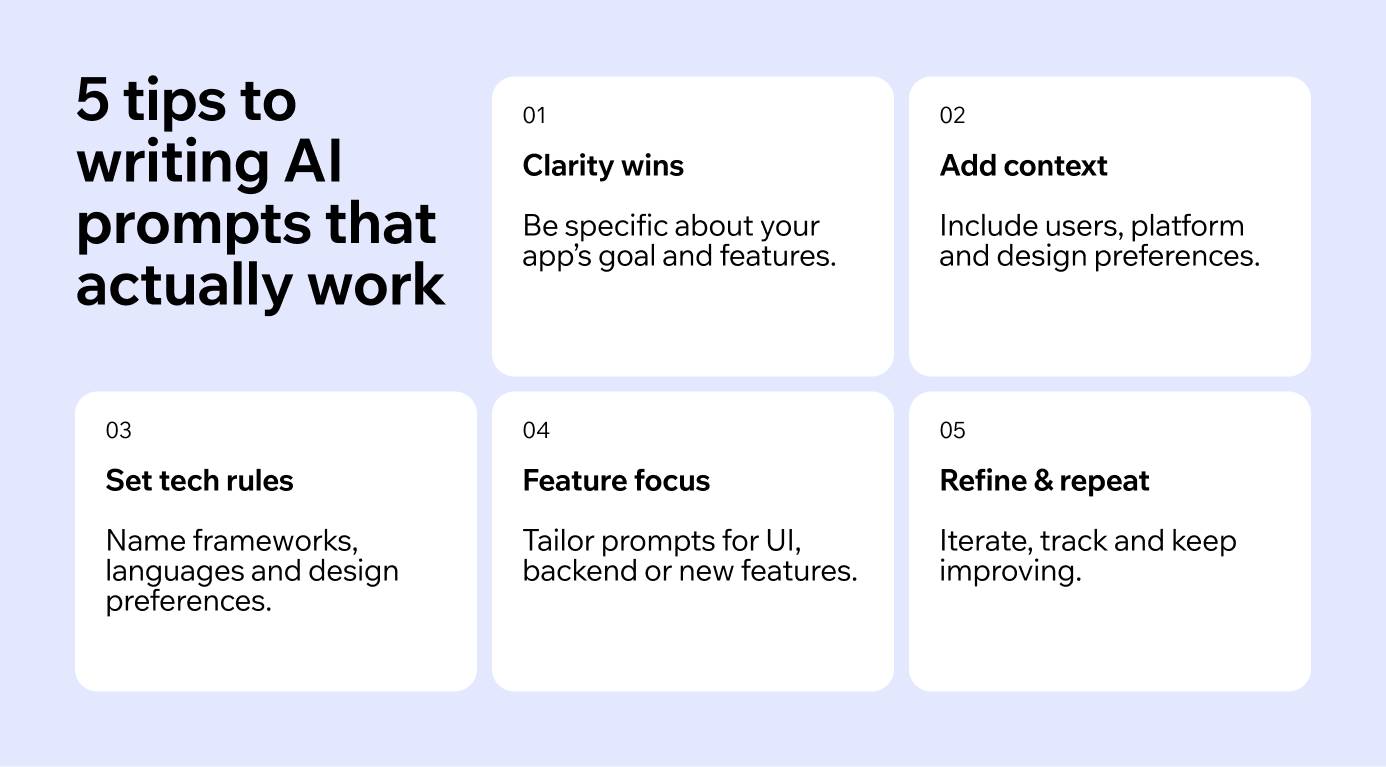
Writing effective prompts for creating an app requires a focused approach. Unlike general AI interactions, here you're asking for functional solutions that work in real applications. Follow these steps to create clear, actionable prompts:
- Define your app's purpose
- Provide context
- Specify technical requirements
- Tailor prompts for specific app features
- Iterate and improve your prompts
01. Define your app’s purpose
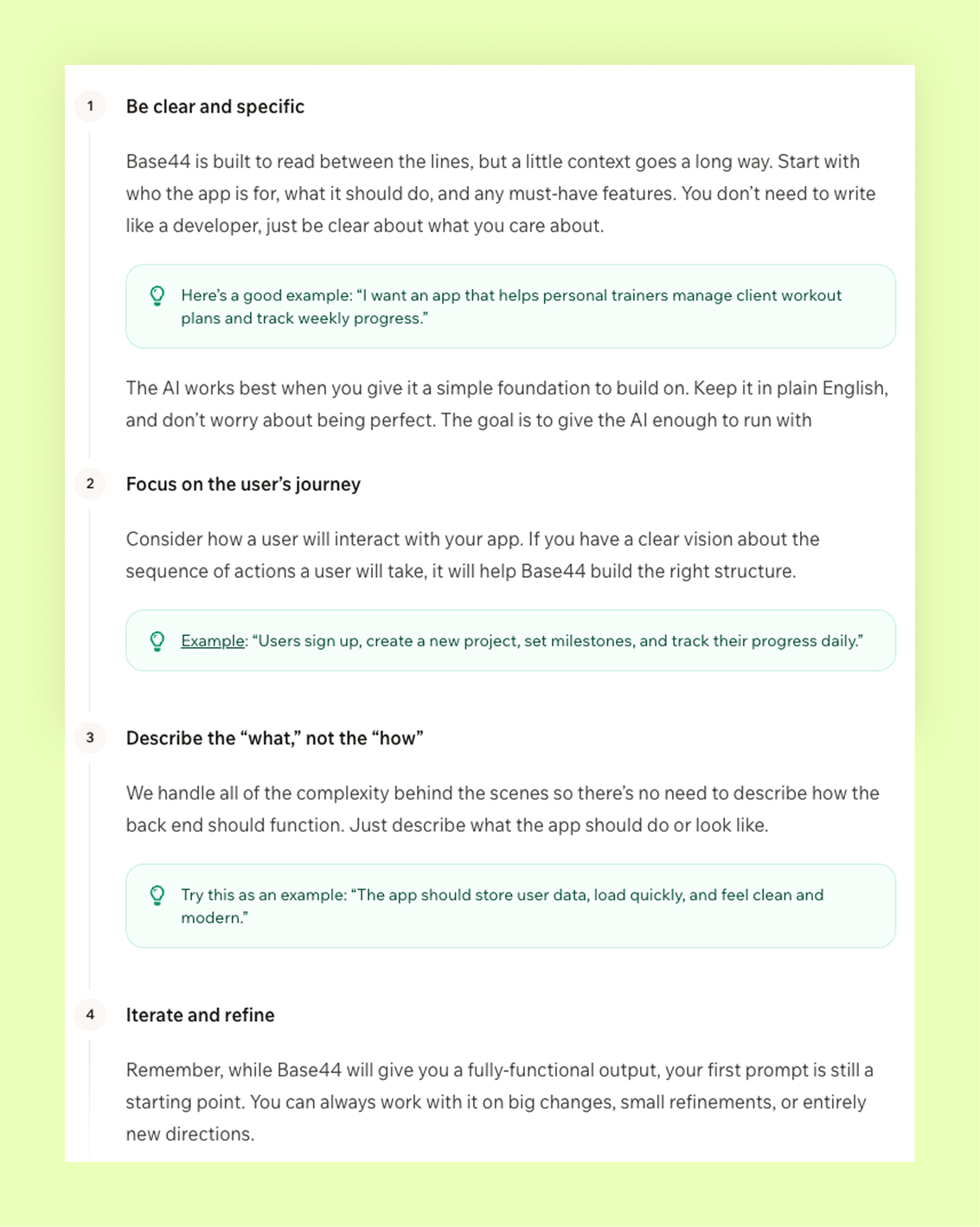
Start by clearly outlining your app’s core goal. Are you building a fitness tracker, budgeting tool or social platform? The more specific your vision, the better your prompts will be.
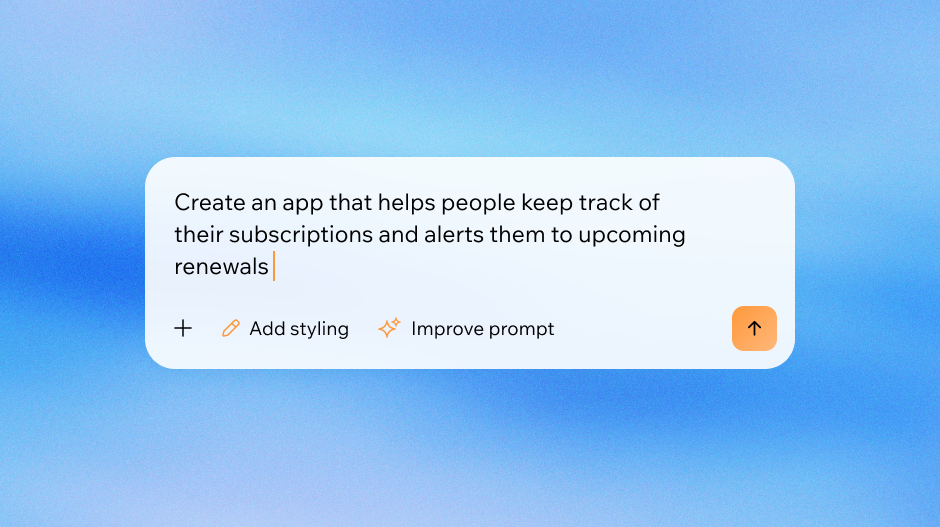
- Bad prompt: "create budget tool."
- Good prompt: "create a homepage layout for a budgeting app that displays the user's total savings, monthly budget and a button to add transactions."
Ready to put these tips into action? Check out our quick start guide to begin crafting prompts that drive real app results.
02. Provide context
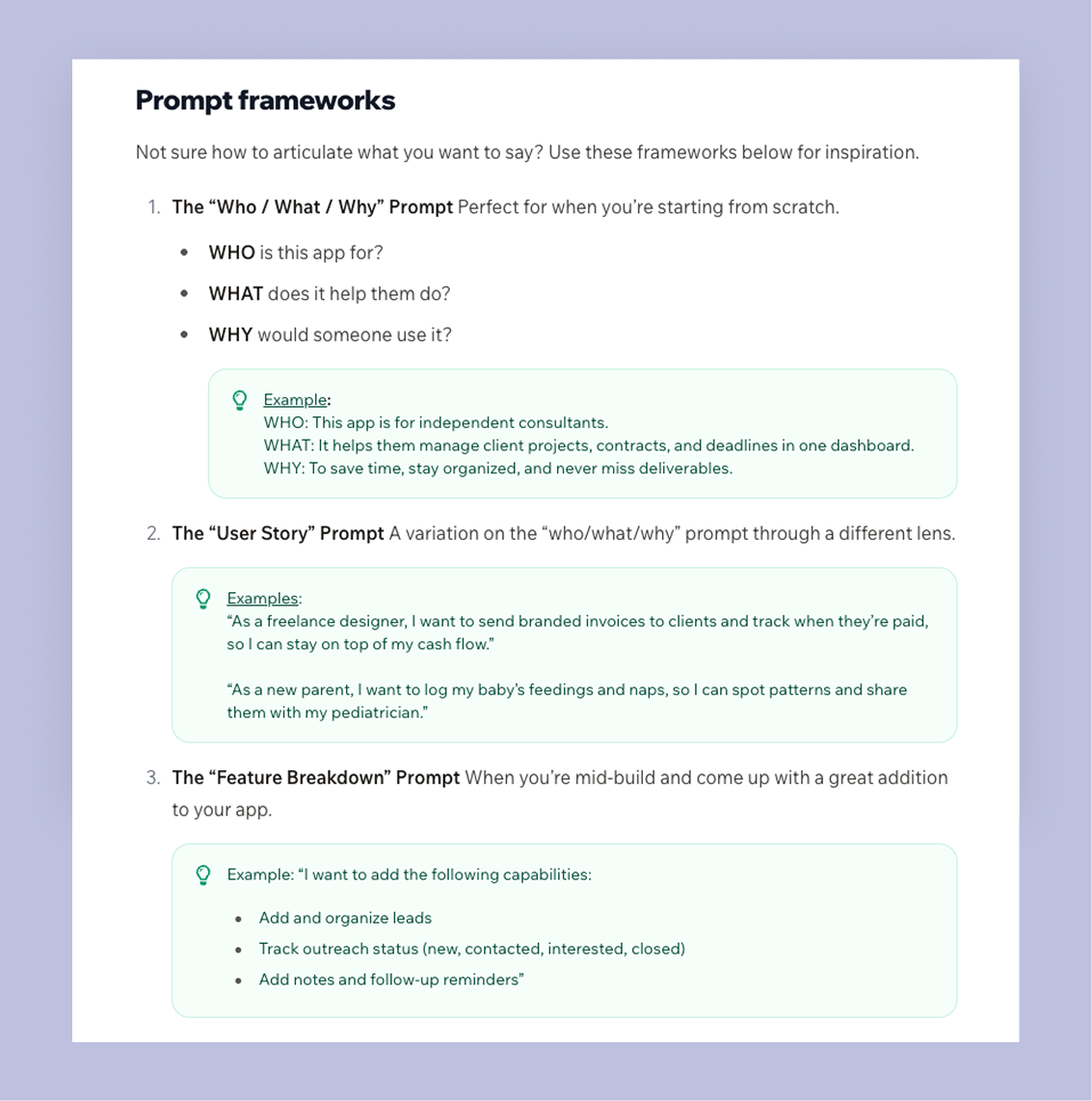
Context gives the AI the information it needs to generate relevant output. Include:
- Target users (e.g., millennials looking for travel deals)
- Platform requirements (e.g., iOS, Android, or web)
- Design preferences (e.g., clean blue-and-white color scheme)
- Technical constraints (e.g., uses Flutter framework)
Example: "Generate a login screen design for a travel app targeting millennials. Include email and password fields plus a 'sign in with Google' option. Use a clean blue-and-white color scheme that works on both iOS and Android."
Learn more about some of the best AI prompts to build a website.
03. Specify technical requirements
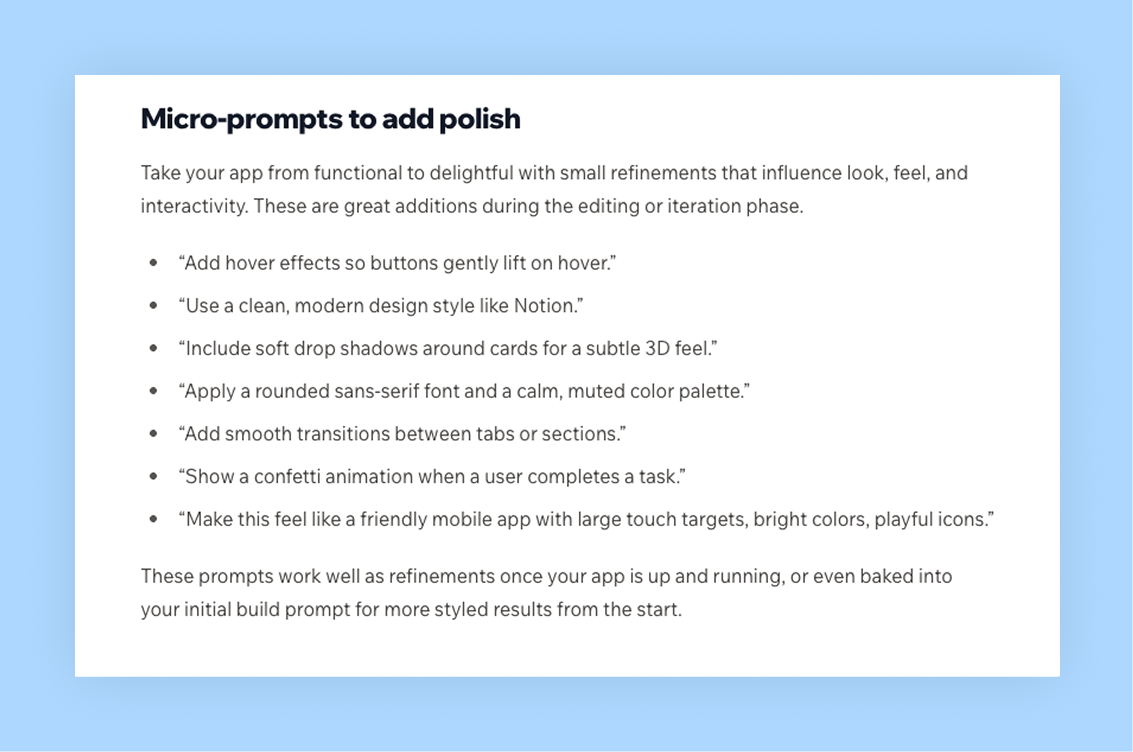
If you need specific programming languages or frameworks, include them upfront.
- "Write Swift code for an iOS weather app that fetches data from OpenWeatherMap API, handles errors gracefully and displays current temperature plus a 5-day forecast in a table view."
- "Generate React Native code for a task management app with a countdown timer and notifications."
04. Tailor prompts for specific app features
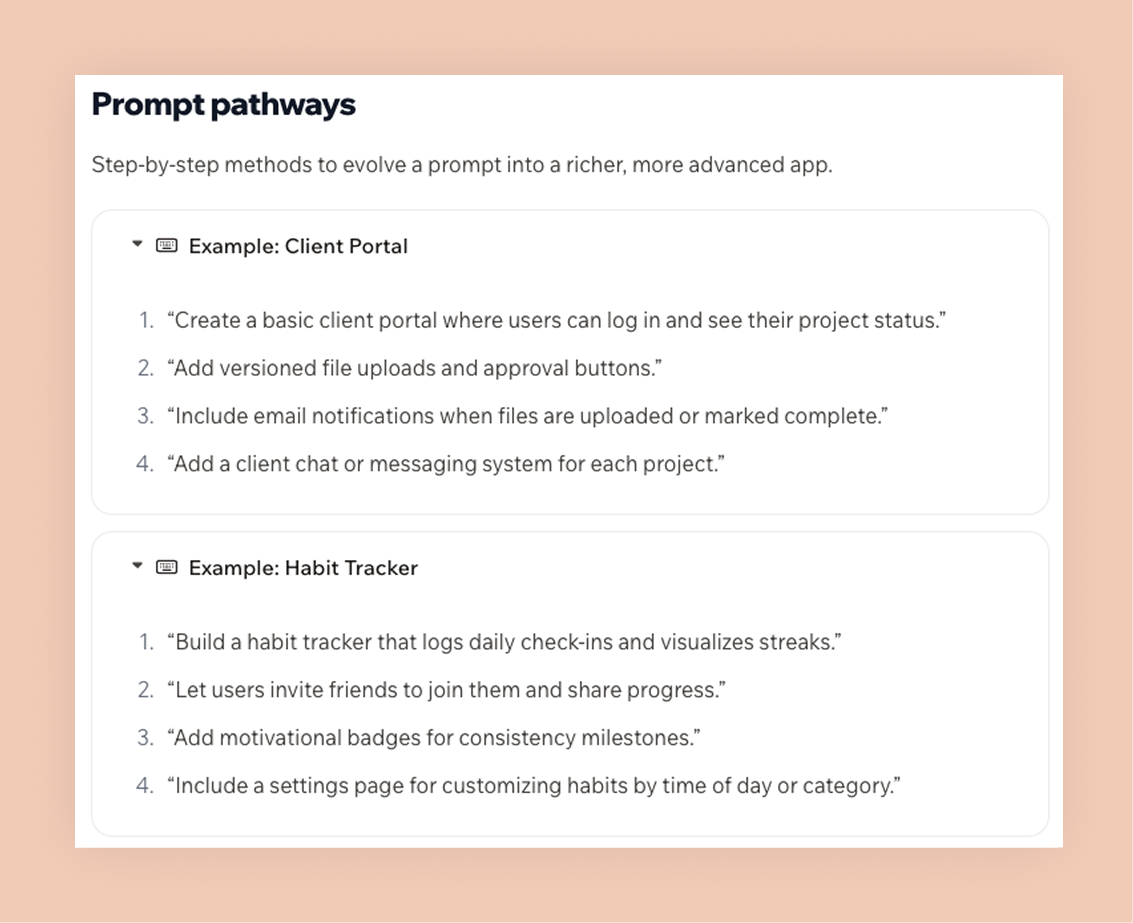
Different parts of your app require different types of prompts.
- UI/UX prompts: focus on layouts, flows and design details.
Example: "Design an onboarding flow for a meditation app with three screens: welcome message, feature overview and account setup. Use calming colors and progress indicators."
- Backend prompts: specify programming languages, frameworks and data handling. Example: "Write code in Node.js for a registration system that stores user data securely in MongoDB and sends a confirmation email after signup."
- Feature planning prompts: add context on how a feature fits into the app. Example: "Suggest a feature for a fitness app that tracks weekly progress and syncs with wearables. Include how it integrates with the existing dashboard."
05. Iterate and improve your prompts
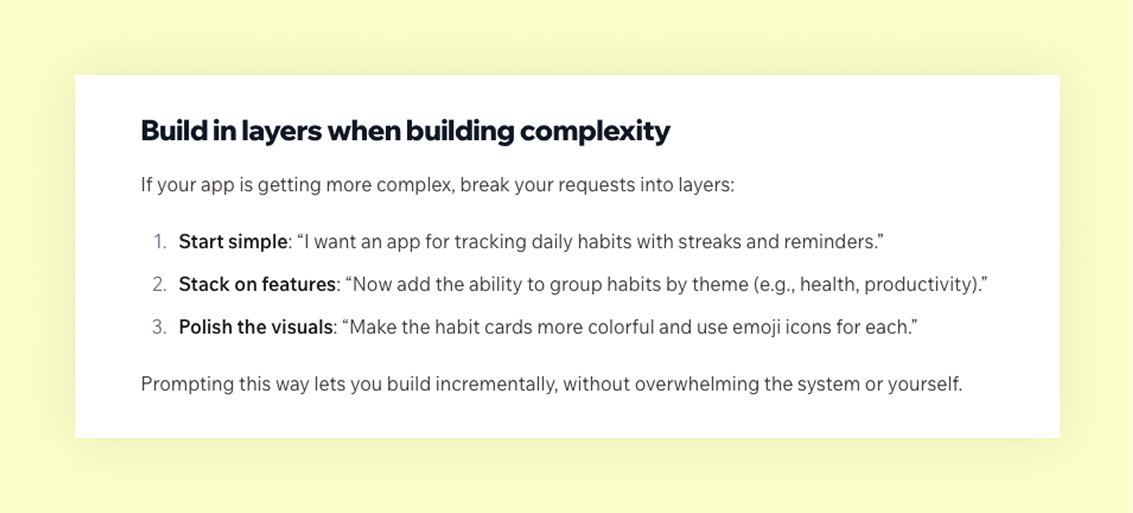
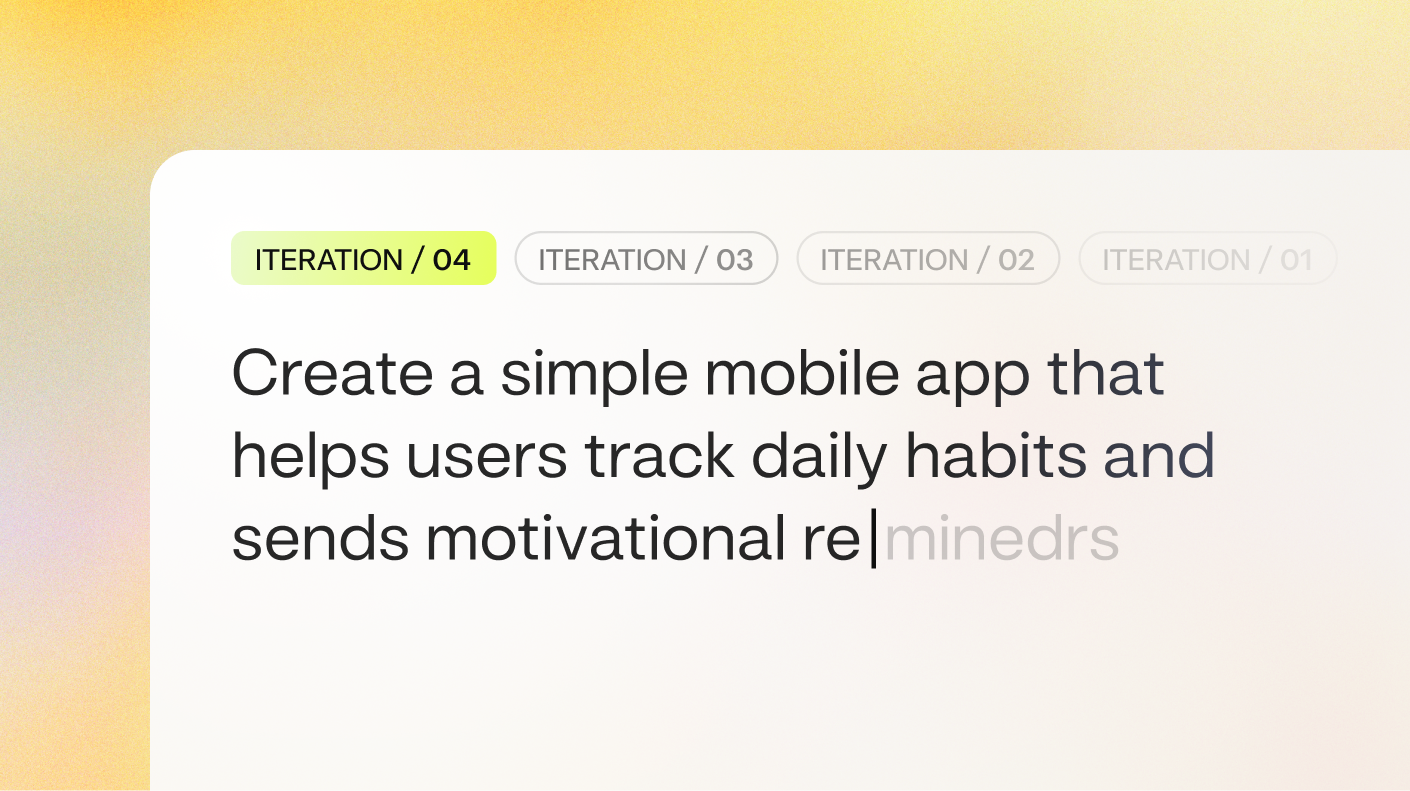
Prompt writing is an iterative process.
- Start basic, then refine:
Initial prompt: "Create a user dashboard for a fitness app." Refined prompt: "Add a weekly progress chart and use a more energetic color scheme."
- Ask for explanations or alternatives:
Initial prompt: "Why did you choose this layout?" Refined prompt: "What are three alternative ways to structure this feature?"
- Track what works:
Keep a record of prompts that deliver the best outcomes. Over time, you’ll build a personalized system for writing AI prompts that consistently deliver strong results.
By following these steps, you’ll learn how to write AI prompts that guide the AI to deliver precise, functional solutions tailored to your app development needs.
| How to write AI prompts for app building | What to do | |---|---| | 01. Define your app’s purpose | Clearly state your app’s goal and vision for better prompts | | 02. Provide context | Add details about users, platform, design and constraints | | 03. Specify technical requirements | Mention frameworks, languages and APIs upfront | | 04. Tailor prompts for features | Separate UI/UX, backend and feature planning prompts | | 05. Iterate and improve | Refine prompts, ask for alternatives and track what works |
Write prompts that make your credits go further
Every AI app builder runs on some kind of usage limit, whether that's credits, messages, or tokens. On Base44, each plan comes with a monthly allotment of message credits, so a vague prompt that needs three follow-up corrections burns through your allotment faster than one clear prompt that gets it right the first time.
The fix ties back to everything above: front-load context (target users, platform, design preferences) instead of adding it one message at a time, and batch small, related tweaks into a single prompt instead of sending them one by one. You'll get more built app for the same number of credits.
Understanding AI prompt basics
A prompt is essentially your instruction set for the AI. It's how you communicate what you want, how you want it and why it matters.
Base44 exists to make building software feel as natural as explaining what you need.
— Maor Shlomo, CEO of Base44
To create the best prompts, make sure they include these four key elements:
- Persona: Define who you are or the role the AI should take.
- Task: Clearly state your specific request.
- Context: Provide background information to help the AI better understand your needs.
- Format: Specify how you want the output to be structured.
For app development, these elements become even more important because you're dealing with technical requirements, user experience considerations and specific platforms like iOS or Android. The more precise you are with these elements, the better your results will be.
Types of AI prompts to use when building apps
Not all prompts are created equal, and knowing which type to use for a given task can save you hours of back-and-forth with your AI app builder. Here are the four most useful types.
A zero-shot prompt gives the AI clear instructions with no examples. It's the fastest approach and works well for straightforward tasks: "Build a login screen with an email field, a password field, and a 'Sign in with Google' button."
A few-shot prompt provides two or three examples of what you want the output to look like. It's especially useful when you've got a specific design style in mind that's hard to describe in words: "Here are three dashboard layouts I like \[descriptions\]. Build something in the same style."
A role-based prompt asks the AI to act as a particular type of expert. It's great for getting specialized output: "You're a senior UX designer. Suggest the best navigation structure for a fitness tracking app with five main sections."
An instructional prompt starts with a direct command like "build," "design," or "explain," then adds clear constraints. It's the most common type for app development: "Build a user profile page that displays name, avatar, join date, and recent activity. Keep the design minimal with a white background."
You'll naturally mix these types as you build. Start with a zero-shot or instructional prompt to get the structure in place, then use few-shot or role-based prompts to refine design and behavior.
Example of AI prompt structure
A strong prompt usually follows a simple, clear framework that tells the AI what you want, why you want it and how you want it delivered. By defining the role, goal, context, format and tone, you help the AI generate relevant, high-quality results that match your expectations.
- Role: Define who the AI should be.
- Goal: Clarify what you want to achieve.
- Context: Share the background or details the AI needs.
- Format: Explain how you want the answer delivered.
- Tone: Describe the voice you want to use.
Examples of effective AI prompts
Let's look at some real-world examples that demonstrate these principles in action. These prompts show how specific language and clear context can generate much more useful results.
Social media app interface
"Create a profile screen layout for a photography-focused social app. Include a circular profile photo, follower/following counts, bio section and grid of user's photos. Use Instagram's visual hierarchy but with a warmer color palette. The design should work well on iPhone screens."
Database schema planning
"Design a database schema for a task management app that supports user accounts, projects, tasks with due dates and team collaboration. Each task should link to a project and user, with optional subtasks."
User authentication
"Write JavaScript code using Firebase Auth that handles user registration with email verification, password reset functionality and social login through Google. Include proper error handling and user feedback messages for each authentication state."
eCommerce app development
"Build a high-end e-commerce app for a jewelry brand called 'Lumina.' The design should be minimalist with a white and gold color palette. Features must include a product grid with high-quality image placeholders, a 'Quick View' modal for details, a persistent shopping cart and a checkout flow that includes a guest checkout option."
Productivity app development
"Design a dark-mode task management app named 'FocusGrid.' It should feature a Kanban board layout where users can drag tasks between 'To Do,' 'In Progress,' and 'Done.' Each task card needs to support tags, due dates, and sub-tasks. Add a 'Focus Timer' button in the header that triggers a 25-minute countdown."
This is a long article and only part of it is shown here. Read the full article on iCARE.